If you’re thinking about buying a 360° camera for vlogging, outdoor adventures or to capture travel memories, this is my to-the-point review of the Insta360 X4 Air camera, plus a wee shout-out to the new Insta360 Snap Selfie Screen.
These products were kindly gifted by Insta360 in exchange for my honest thoughts.

I’ve been exploring Scotland for over two decades and, for the most part, solo. Back in the early days of travel blogging, in a time before ‘selfies’ were even a thing, I documented my adventures purely with words and some highly cringeworthy early attempts at capturing and editing images.
While I make no claim to being a professional, I am pleased to report that these skills have since improved and my storytelling has advanced to videos with voiceovers (it’s my voice that makes me cringe now), usually shot on my iPhone and held in my hand.
I had been considering another gadget to capture my travels around Scotland and beyond, but didn’t want anything too bulky, techy, or that could come crashing down from above.
I think I’ve found it.


Intro to the Insta360 x4 Air
As the name suggests, this is a 360° camera; it shoots in 8K, it’s light, it’s waterproof, and it’s easy-to-use. For the full list of specs, click here
What’s included in the Starter Bundle?
- Insta360 X4 Air Camera with a battery
- Invisible selfie stick which extends to 114cm
- Silicone lens cap to protect the double lens
- Spare battery (super handy!)
5 things I love about the Insta360 X4 Air
1) This 360 travel camera is small but mighty
Carrying heavy kit is big NO from me. Thankfully, this compact camera weighs in at just 165g and can literally be popped into your pocket. It’s perfect for travelling and doesn’t add on any unnecessary weight when hiking etc.
2) The invisible selfie stick
As a solo traveller, and someone who suspects my audience might get sick of the same selfie shots on my phone, this is a key selling point.
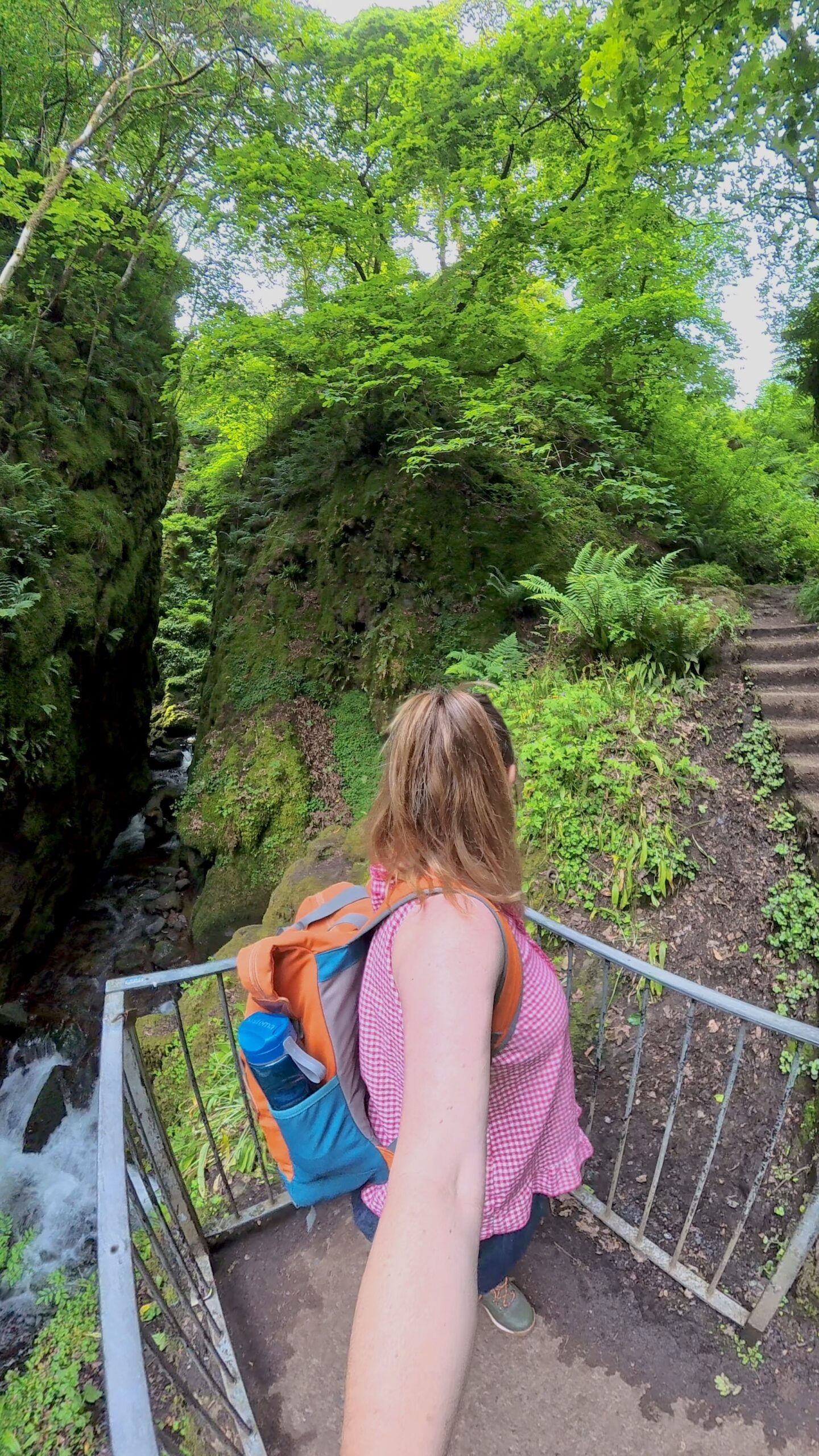
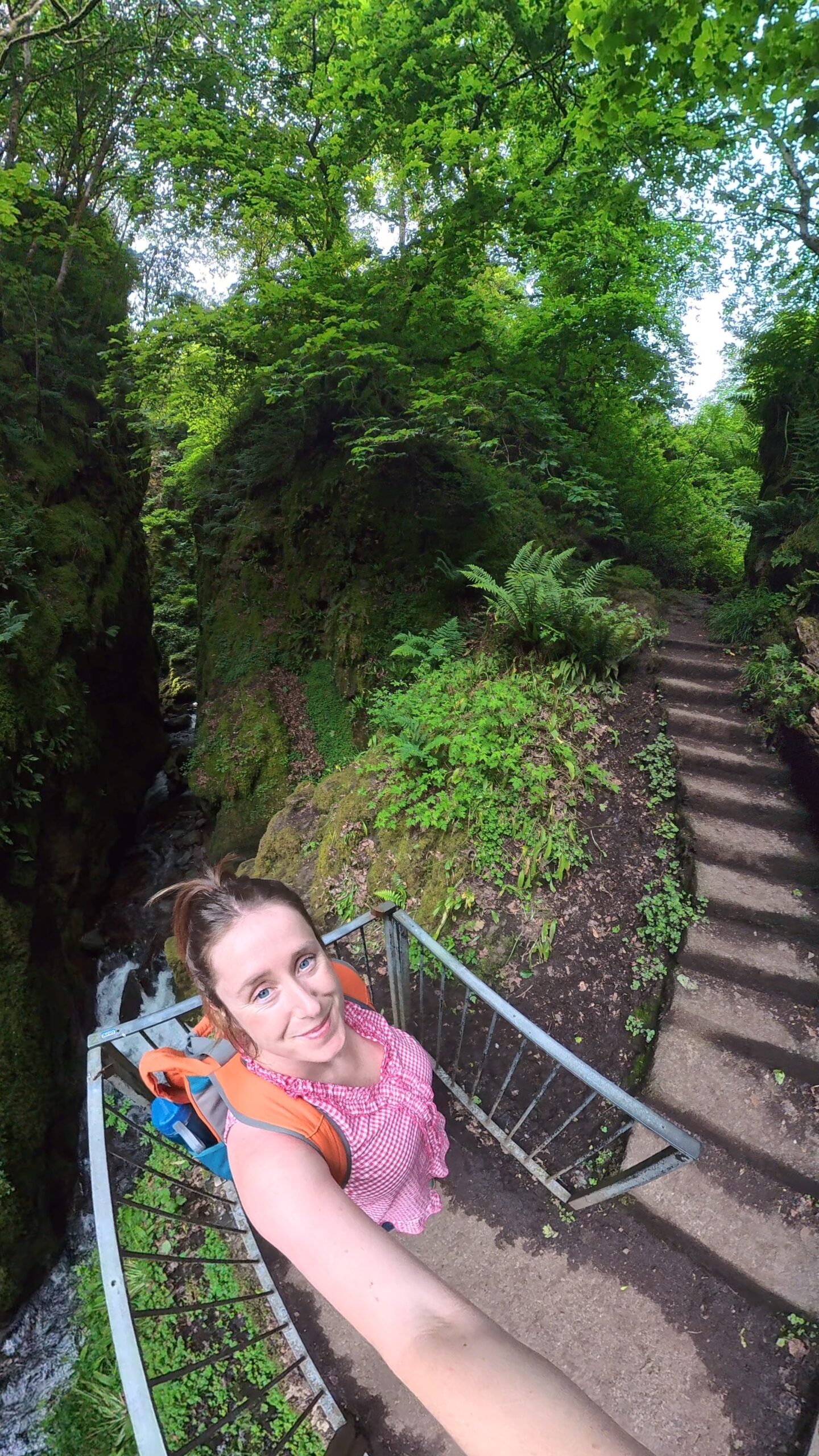
The selfie stick can extend to 114cm and when the footage is loaded in the app., the algorithm makes it magically disappear, giving a drone-like illusion.
I love that it can capture both myself and my surroundings. I just need to perfect my technique in holding the stick so that my hand isn’t floating randomly in the videos!
3) It’s easy to setup and use
I am not a techy person; anything highly technical makes my brain freeze but after charging the battery, downloading the Insta360 app. and connecting the camera, it was pretty much good-to-go.
I have been watching some YouTube videos with tips on how to make the most of the camera and I will keep experimenting with the different angles and settings.
4) ‘Shoot now, frame later’
When I first started testing the camera, I was stupidly trying to figure out which way to point it. You don’t have to!
The double lens captures everything around you in 360° (obviously!) then you can choose the angles and perspective that you want in the app. afterwards which is absolutely brilliant.
5) The features in the Insta360 app.
Once you’ve connected your camera to the app. and downloaded your footage, there are lots of cool options to play around with, such as:
- applying different movements to your videos, like panning right around in 360°
- The ‘highlights’ option where AI analyses your shots – this is really handy if it’s a long clip and you quickly want to pull-out the best bits
- saving static images using the ‘Snapshot’ option – this means you end up with both images and videos in one swoop!
Final thoughts on the Insta360 X4 Air
While the camera won’t be completely replacing my phone when shooting videos, it is a very welcome addition to my kit.
Switching between perspectives is a proven way to keep viewers engaged in your content, and this camera allows me to do that in a really immersive way.
I do need more practice with the camera, the angles and the editing to get the best from it. Some of the shots I captured featuring myself were humbling to say the least!
Overall, I’d say this is a very worthwhile investment if you’re a content creator or if you want to capture interesting travel videos which you can look back on from every angle. It’s a lot of fun!
BIG SAVINGS: Primeday is running from 23 June – 7 July and you can save £100 on the Insta360 X4 Air Starter Bundle. You also get an exclusive gift, an X4 Air Replacement Lens Kit. when purchasing via this link
A WEE MOMENT FOR THE INSTA360 SNAP SELFIE SCREEN
For closer up selfie shots or talking head videos on your phone, the main camera is better quality than the selfie camera but you obviously can’t see yourself when filming with the main camera…
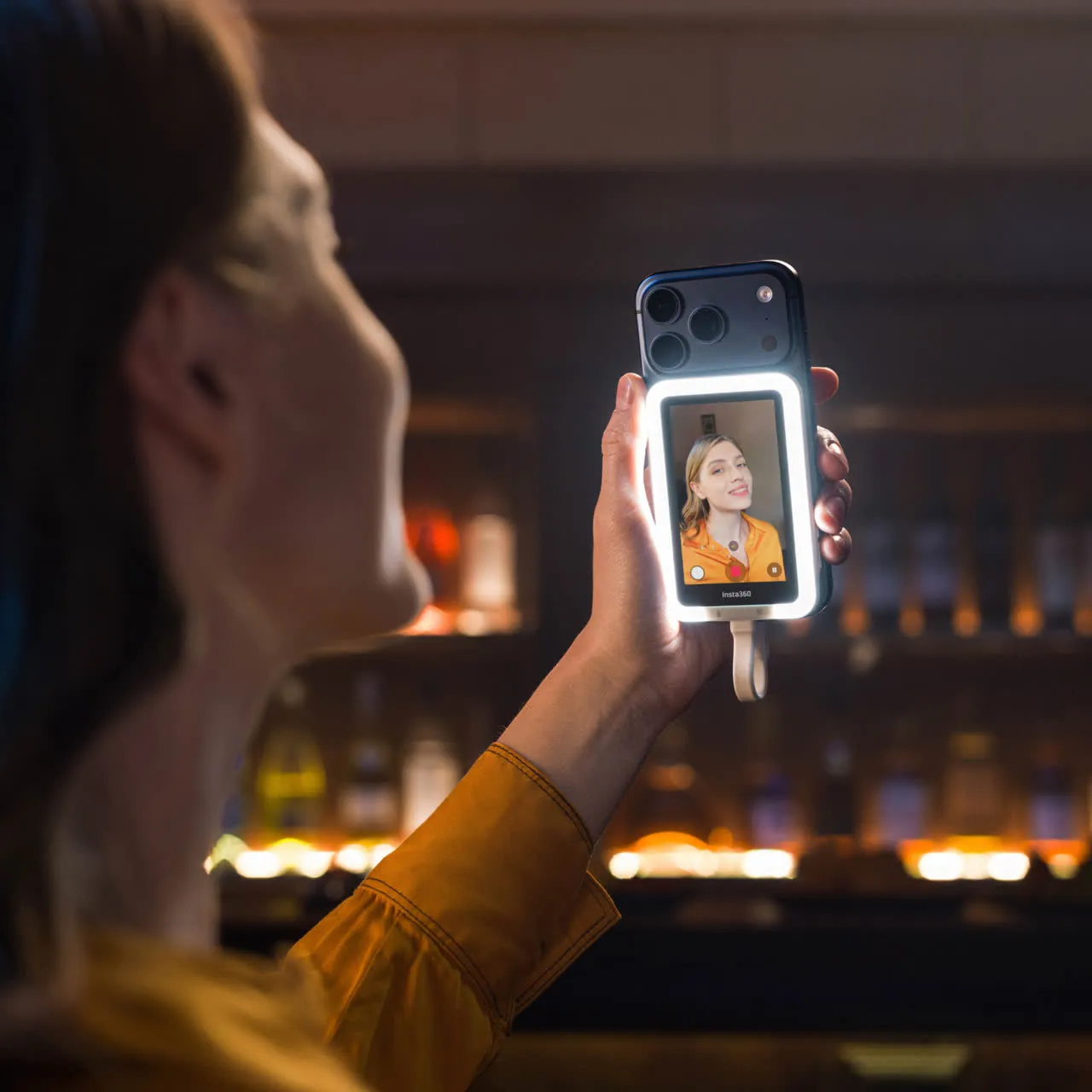
Well, you can now! The Insta360 Snap Selfie Screen plugs into your phone’s USB-C charging port, attaches to the back of your phone with a magnetic ring, and mirrors your screen; I set the video to film in 0.5 zoom so that it films more of the background.
There’s also a light setting around the screen which acts as a built-in ring light.
FREE GIFT: Primeday is running from 23 June – 7 July and you can a free carry bag for your Insta360 Snap Selfie Screen when you purchase via this link (there’s £8.99 off too!)
Keep up with my Scottish adventures on Facebook and Instagram
Subscribe to my newsletter for regular updates and travel inspiration.